Transcribe YouTube Video to TXT
Paste a YouTube link and ElevenLabs delivers a clean, speaker-labeled transcript of any tutorial, video essay, or livestream in minutes.

YouTube interviews.pdf
4.7 stars
50k+ ratings
1m+ users
Trust ElevenLabs
99+
Languages
Paste a YouTube URL and our AI handles the rest. Get accurate, speaker-labeled text you can edit, download, or share instantly.
Copy any YouTube URL and paste it in; we fetch the audio straight from the link with no downloads or conversion. Uploading from your device or cloud storage also works.
Scribe returns speaker-labeled text with word-level timestamps. You can correct names, tighten phrasing, and split or merge segments while every edit stays anchored to the video's timeline.
Download TXT or DOCX for blog drafts and newsletters, SRT or VTT for captions, or JSON and HTML for your own tooling and archives.
ElevenLabs YouTube Transcript Generator identifies who's speaking, when they're speaking, and what's happening around them - delivering structured, actionable transcripts every time.
Scribe tops accuracy benchmarks, so screen-recorded tutorials, compressed livestream audio, and heavily accented narration come back as clean, editable text.
Jump to any timestamp, correct a term, and split or merge segments without scrubbing through the video. Reassigned speakers and retimed lines stay synced to the original footage.


Scribe detects the spoken language automatically and transcribes 90+ of them, including underserved ones like Serbian and Cantonese.
Paste a YouTube URL, or upload MP4, MOV, MP3, WAV, and other major formats. Export to TXT, DOCX, PDF, SRT, VTT, JSON, or HTML.
Scribe marks non-speech moments such as laughter and applause, so a livestream transcript reads the way the stream actually felt.
Scribe separates up to 32 speakers with word-level timestamps, keeping hosts, guests, and callers distinct across a full video essay or stream.

Transcribe YouTube Video to TXT
Transcribe YouTube Video to DOCX
Transcribe YouTube Video to PDF
Transcribe YouTube Video to JSON
Transcribe YouTube Video to HTML
Transcribe YouTube Video to SRT
Transcribe YouTube Video to AVID
Transcribe YouTube Video to VTT
“I use ElevenLabs primarily for transcribing audio messages, and I find its accuracy to be a major highlight. This precision allows me to analyze students' reading fluency effectively, even when the speaker is a young student still learning to read, which is crucial for understanding each student's progress.”

Pedro A.
Head of technology
“Perfect for transcribing interviews - and the voice quality is amazing when preparing for a speech.”

Izabela M.
Customer Experience Researcher
“Remarkable inference speed of the Scribe v2 model by ElevenLabs, delivering near real-time latency on transcription requests, significantly faster than other models we've tried.”

Vedaswaroop I.
Founder
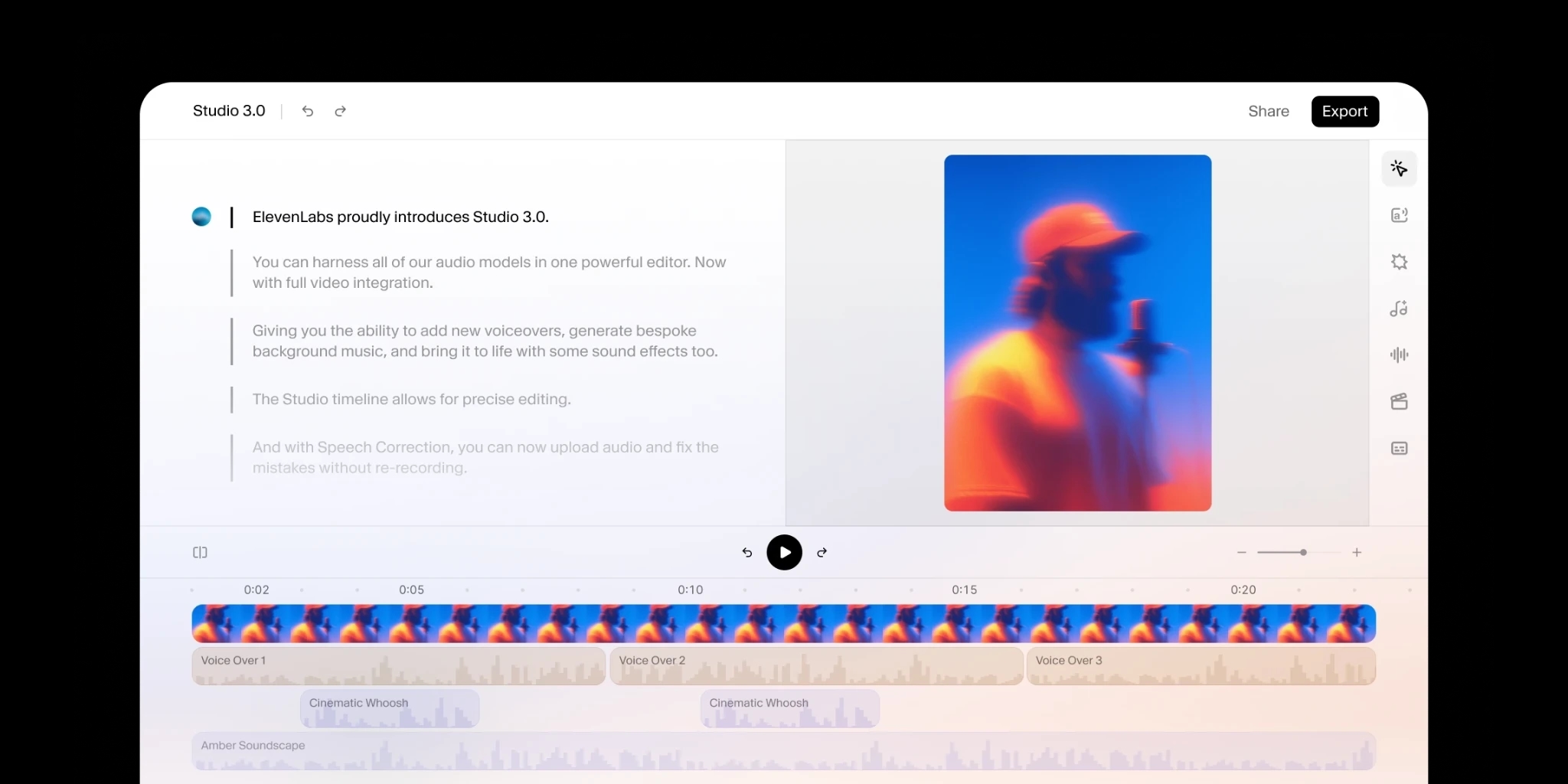
Add human review to editing so your message always lands.
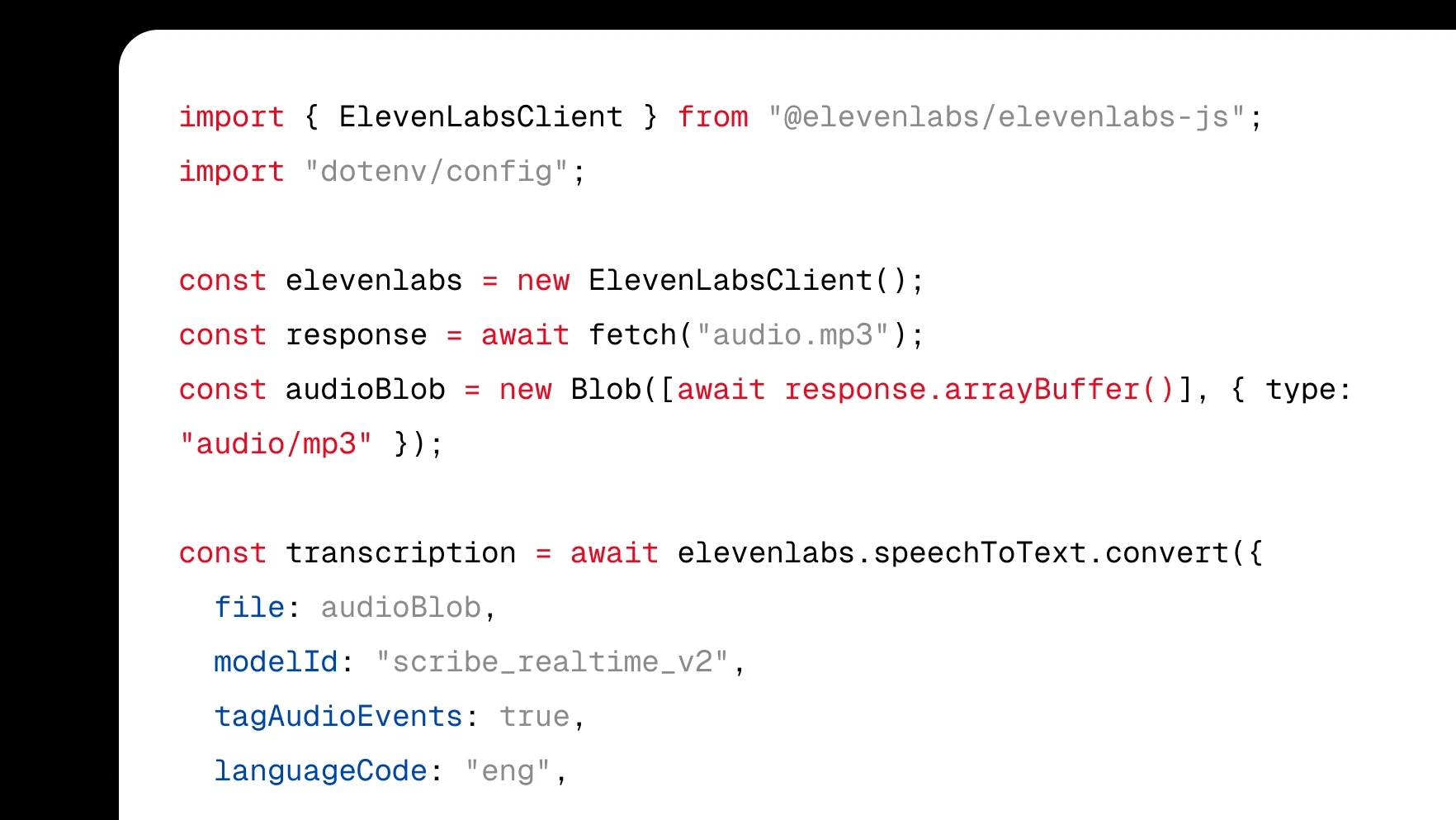
Integrate transcription directly into your product with a few lines of code.
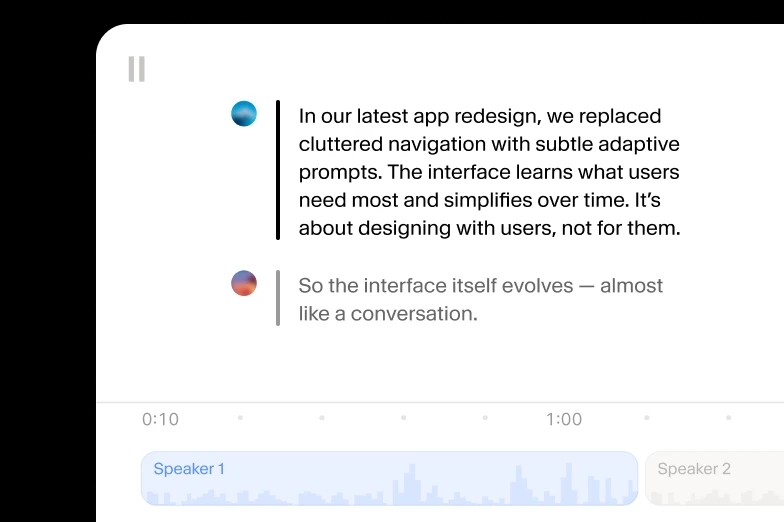
Turn audio to text using our ElevenCreative web platform.
We accept MP4, MOV, AVI, MKV, and other major video formats, along with audio files like MP3 and WAV. For YouTube videos you skip the file entirely: paste the video's URL and we fetch the audio straight from the link, so there is nothing to download or convert first.
Scribe leads accuracy benchmarks and holds up in the conditions YouTube throws at it: compressed livestream audio, screen-recording narration, background music, and a wide range of accents. Every transcript includes speaker labels, word-level timestamps, and audio event tags, so laughter and applause get marked instead of garbling the dialogue.
The transcript opens in an editor where you click any word to fix it in place. Correct names, technical terms, and channel-specific jargon, split or merge segments, and reassign speakers, and every edit stays anchored to the video's timeline, so exports and captions remain accurately synced.
Seven formats cover the usual YouTube workflows: TXT and DOCX for turning a video into a blog draft or newsletter, SRT and VTT for caption files you re-upload to YouTube, PDF for sharing, and JSON or HTML for archives and custom tooling. One transcript feeds all of them, so you export once per destination instead of retranscribing.
Scribe transcribes 90+ languages and detects the spoken language automatically, so a Hindi tutorial, a Spanish video essay, or a stream that switches between English and Cantonese mid-sentence all come back with strong accuracy. That includes underserved languages like Malayalam and Serbian, with no manual language selection before you paste the link.
