Next.JS

Learn how to create a web application that enables voice conversations with ElevenLabs AI agents

This tutorial will guide you through creating a web client that can interact with a ElevenLabs agent. Youโ€™ll learn how to implement real-time voice conversations, allowing users to speak with an AI agent that can listen, understand, and respond naturally using voice synthesis.

What Youโ€™ll Need

  1. An ElevenLabs agent created following this guide
  2. npm installed on your local system.
  3. Weโ€™ll use Typescript for this tutorial, but you can use Javascript if you prefer.

Looking for a complete example? Check out our Next.js demo on GitHub.
Setup
1

Create a new Next.js project

Open a terminal window and run the following command:

$npm create next-app my-conversational-agent

It will ask you some questions about how to build your project. Weโ€™ll follow the default suggestions for this tutorial.

3

Install the ElevenLabs dependency

$npm install @elevenlabs/react
4

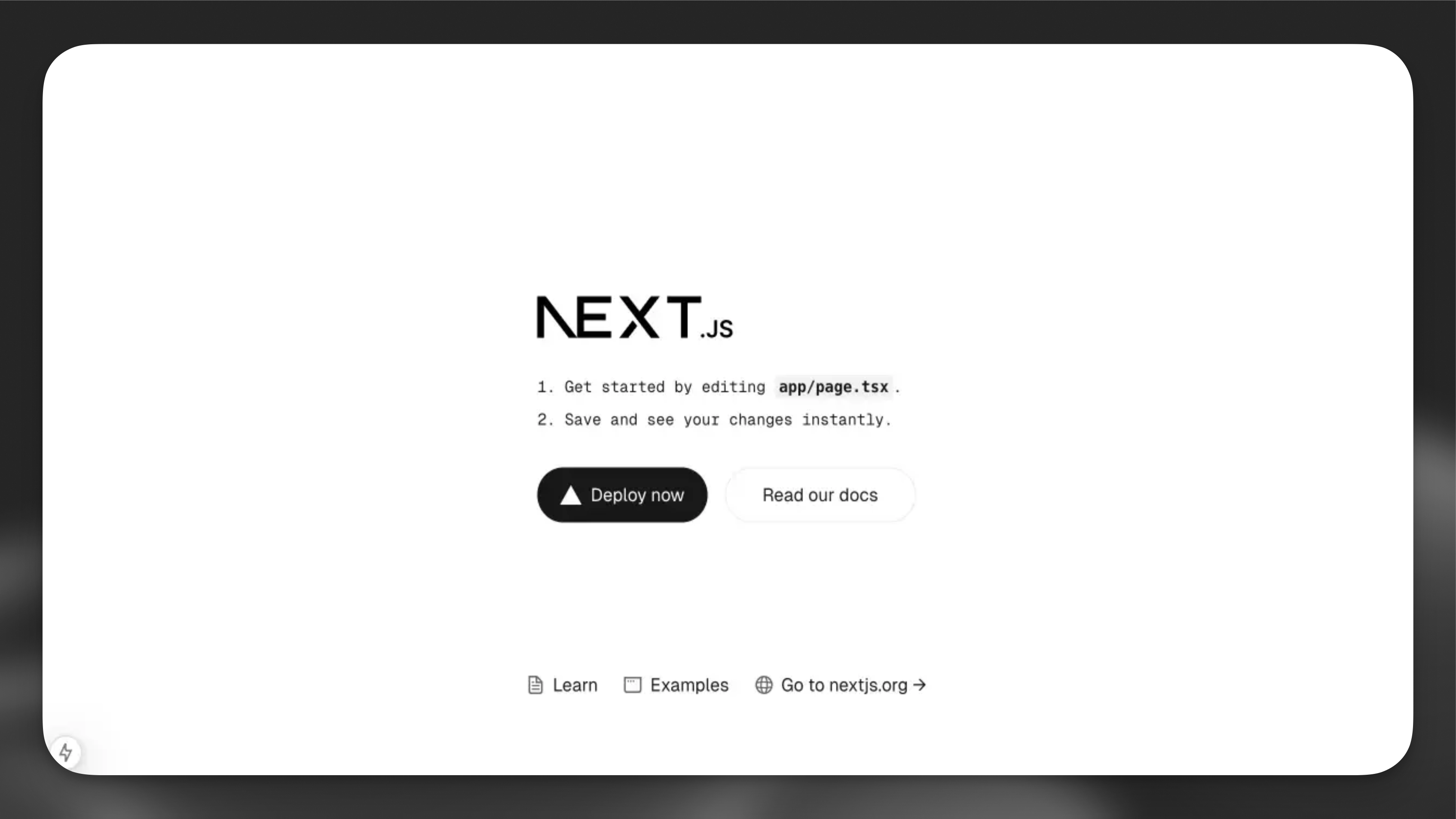
Test the setup

Run the following command to start the development server and open the provided URL in your browser:

$npm run dev

Implement ElevenLabs Agents

1

Create the conversation component

Create a new file app/components/conversation.tsx:

app/components/conversation.tsx
1'use client';
2
3import { useConversation } from '@elevenlabs/react';
4import { useCallback } from 'react';
5
6export function Conversation() {
7 const conversation = useConversation({
8 onConnect: () => console.log('Connected'),
9 onDisconnect: () => console.log('Disconnected'),
10 onMessage: (message) => console.log('Message:', message),
11 onError: (error) => console.error('Error:', error),
12 });
13
14
15 const startConversation = useCallback(async () => {
16 try {
17 // Request microphone permission
18 await navigator.mediaDevices.getUserMedia({ audio: true });
19
20 // Start the conversation with your agent
21 await conversation.startSession({
22 agentId: 'YOUR_AGENT_ID', // Replace with your agent ID
23 userId: 'YOUR_CUSTOMER_USER_ID', // Optional field for tracking your end user IDs
24 });
25
26 } catch (error) {
27 console.error('Failed to start conversation:', error);
28 }
29 }, [conversation]);
30
31 const stopConversation = useCallback(async () => {
32 await conversation.endSession();
33 }, [conversation]);
34
35 return (
36 <div className="flex flex-col items-center gap-4">
37 <div className="flex gap-2">
38 <button
39 onClick={startConversation}
40 disabled={conversation.status === 'connected'}
41 className="px-4 py-2 bg-blue-500 text-white rounded disabled:bg-gray-300"
42 >
43 Start Conversation
44 </button>
45 <button
46 onClick={stopConversation}
47 disabled={conversation.status !== 'connected'}
48 className="px-4 py-2 bg-red-500 text-white rounded disabled:bg-gray-300"
49 >
50 Stop Conversation
51 </button>
52 </div>
53
54 <div className="flex flex-col items-center">
55 <p>Status: {conversation.status}</p>
56 <p>Agent is {conversation.isSpeaking ? 'speaking' : 'listening'}</p>
57 </div>
58 </div>
59 );
60}
2

Update the main page

Replace the contents of app/page.tsx with:

app/page.tsx
1'use client';
2
3import { ConversationProvider } from '@elevenlabs/react';
4import { Conversation } from './components/conversation';
5
6export default function Home() {
7 return (
8 <ConversationProvider>
9 <main className="flex min-h-screen flex-col items-center justify-between p-24">
10 <div className="z-10 max-w-5xl w-full items-center justify-between font-mono text-sm">
11 <h1 className="text-4xl font-bold mb-8 text-center">
12 ElevenLabs Agents
13 </h1>
14 <Conversation />
15 </div>
16 </main>
17 </ConversationProvider>
18 );
19}

This authentication step is only required for private agents. If youโ€™re using a public agent, you can skip this section and directly use the agentId in the startSession call.

If youโ€™re using a private agent that requires authentication, youโ€™ll need to generate a signed URL from your server. This section explains how to set this up.

What Youโ€™ll Need

  1. An ElevenLabs account and API key. Sign up here.
1

Create environment variables

Create a .env.local file in your project root:

.env.local
1ELEVENLABS_API_KEY=your-api-key-here
2NEXT_PUBLIC_AGENT_ID=your-agent-id-here
  1. Make sure to add .env.local to your .gitignore file to prevent accidentally committing sensitive credentials to version control.
  2. Never expose your API key in the client-side code. Always keep it secure on the server.
2

Create an API route

Create a new file app/api/get-signed-url/route.ts:

app/api/get-signed-url/route.ts
1import { NextResponse } from 'next/server';
2
3export async function GET() {
4 try {
5 const response = await fetch(
6 `https://api.elevenlabscreator.arsenaldigitalweb.com.br/v1/convai/conversation/get-signed-url?agent_id=${process.env.NEXT_PUBLIC_AGENT_ID}`,
7 {
8 headers: {
9 'xi-api-key': process.env.ELEVENLABS_API_KEY!,
10 },
11 }
12 );
13
14 if (!response.ok) {
15 throw new Error('Failed to get signed URL');
16 }
17
18 const data = await response.json();
19 return NextResponse.json({ signedUrl: data.signed_url });
20 } catch (error) {
21 return NextResponse.json(
22 { error: 'Failed to generate signed URL' },
23 { status: 500 }
24 );
25 }
26}
3

Update the Conversation component

Modify your conversation.tsx to fetch and use the signed URL:

app/components/conversation.tsx
1// ... existing imports ...
2
3export function Conversation() {
4 // ... existing conversation setup ...
5 const getSignedUrl = async (): Promise<string> => {
6 const response = await fetch("/api/get-signed-url");
7 if (!response.ok) {
8 throw new Error(`Failed to get signed url: ${response.statusText}`);
9 }
10 const { signedUrl } = await response.json();
11 return signedUrl;
12 };
13
14 const startConversation = useCallback(async () => {
15 try {
16 // Request microphone permission
17 await navigator.mediaDevices.getUserMedia({ audio: true });
18
19 const signedUrl = await getSignedUrl();
20
21 // Start the conversation with your signed url
22 await conversation.startSession({
23 signedUrl,
24 });
25
26 } catch (error) {
27 console.error('Failed to start conversation:', error);
28 }
29 }, [conversation]);
30
31 // ... rest of the component ...
32}

Signed URLs expire after a short period. However, any conversations initiated before expiration will continue uninterrupted. In a production environment, implement proper error handling and URL refresh logic for starting new conversations.

Next Steps

Now that you have a basic implementation, you can:

  1. Add visual feedback for voice activity
  2. Implement error handling and retry logic
  3. Add a chat history display
  4. Customize the UI to match your brand

For more advanced features and customization options, check out the @elevenlabs/react package.

๐Ÿ” Ferramentas de Espionagem
Servidor: srv1638767 ยท BR-SP