Transcribe Podcast to TXT
Upload interview episodes, solo shows, or panel discussions and get speaker-labeled transcripts ready for show notes, captions, and social clips.

Interviews.pdf
4.7 stars
50k+ ratings
1m+ users
Trust ElevenLabs
90+
Languages
Upload a podcast episode and our AI handles the rest. Get accurate, speaker-labeled text you can edit, publish, or share instantly.
Upload your exported episode or raw session audio from your device or cloud storage. Files over 8 minutes process in parallel, so full-length shows come back fast.
Scribe labels your host and every guest automatically. Rename speakers, fix a misheard sponsor read, and mark your best pull quotes directly in the transcript.
Download DOCX for show notes drafts, HTML or TXT for your episode page, and SRT or VTT for captioned social clips.
ElevenLabs identifies guests and hosts, timestamps in turn, and even tags audio events like laughter or applause, delivering structured, publishable transcripts.
Scribe offers the lowest industry word error rate, so the quote you pull to post will faithfully reflect what your guest said.
Click into any line to trim filler, correct names, and reassign a stray sentence to the right speaker before the transcript hits your episode page.


Scribe detects the spoken language automatically and transcribes 90+ of them, so international guests and multilingual shows publish without extra configuration.
Upload MP3, WAV, M4A, FLAC, or OGG audio, or the MP4 from your video rig, and export TXT, DOCX, PDF, JSON, SRT, VTT, or HTML.
Audio event tags keep the reactions in your transcript, so readers of the text version still feel the moment the studio cracked up.
Scribe attributes up to 32 voices with word-level timestamps, so panel episodes stay readable and you link listeners to the exact minute a topic starts.

Transcribe Podcast to TXT
Transcribe Podcast to DOCX
Transcribe Podcast to PDF
Transcribe Podcast to JSON
Transcribe Podcast to HTML
Transcribe Podcast to SRT
Transcribe Podcast to AVID
Transcribe Podcast to VTT
“I use ElevenLabs primarily for transcribing audio messages, and I find its accuracy to be a major highlight. This precision allows me to analyze students' reading fluency effectively, even when the speaker is a young student still learning to read, which is crucial for understanding each student's progress.”

Pedro A.
Head of technology
“Perfect for transcribing interviews - and the voice quality is amazing when preparing for a speech.”

Izabela M.
Customer Experience Researcher
“Remarkable inference speed of the Scribe v2 model by ElevenLabs, delivering near real-time latency on transcription requests, significantly faster than other models we've tried.”

Vedaswaroop I.
Founder
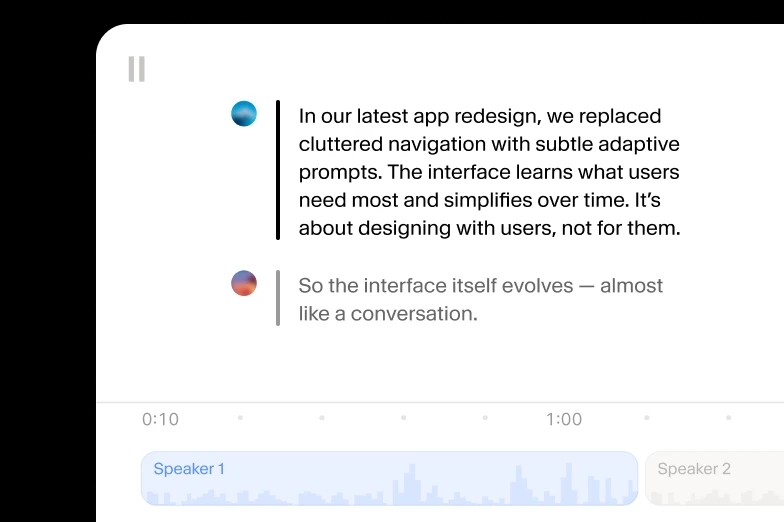
Add human review to editing so your message always lands.
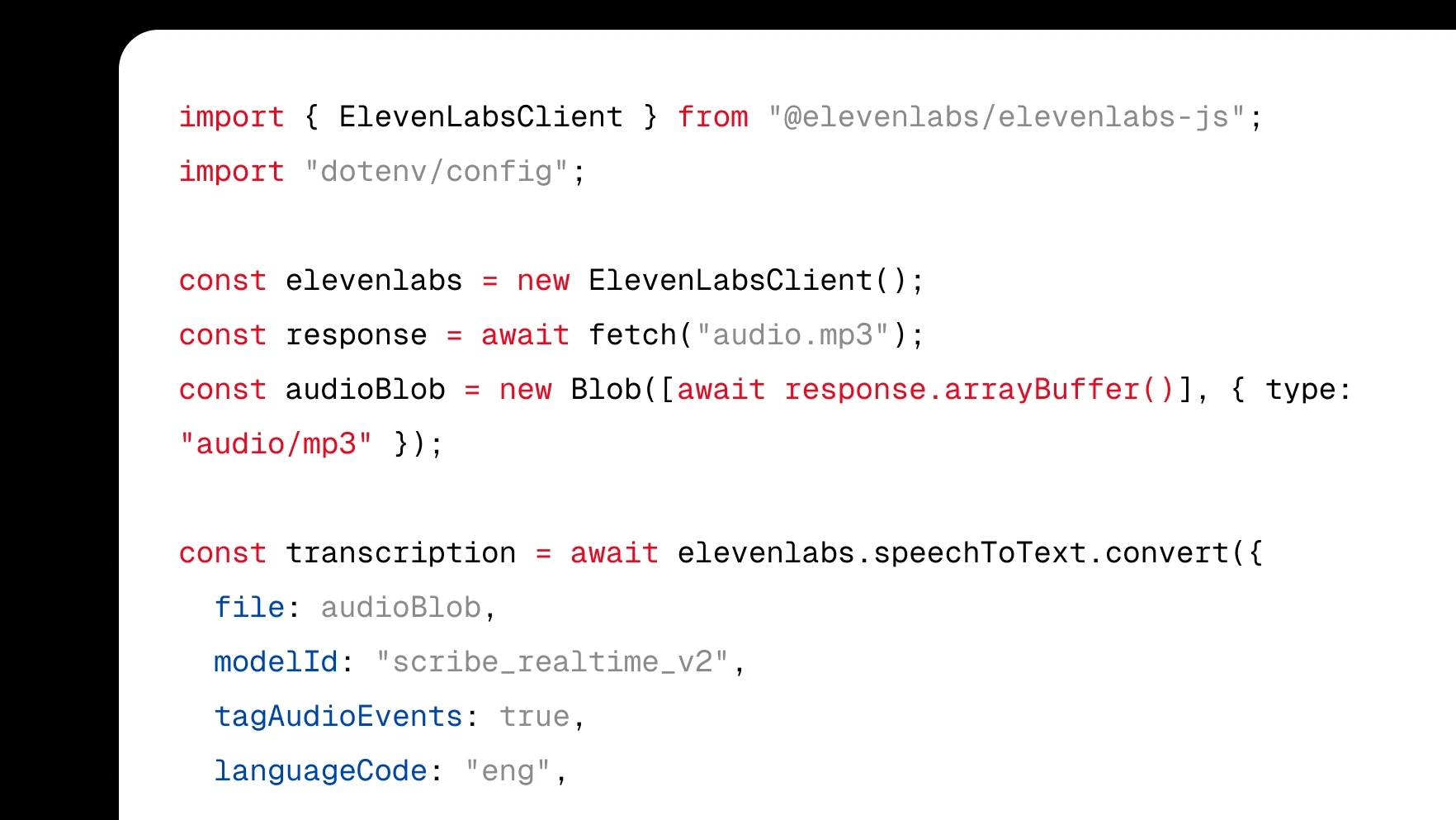
Integrate transcription directly into your product with a few lines of code.
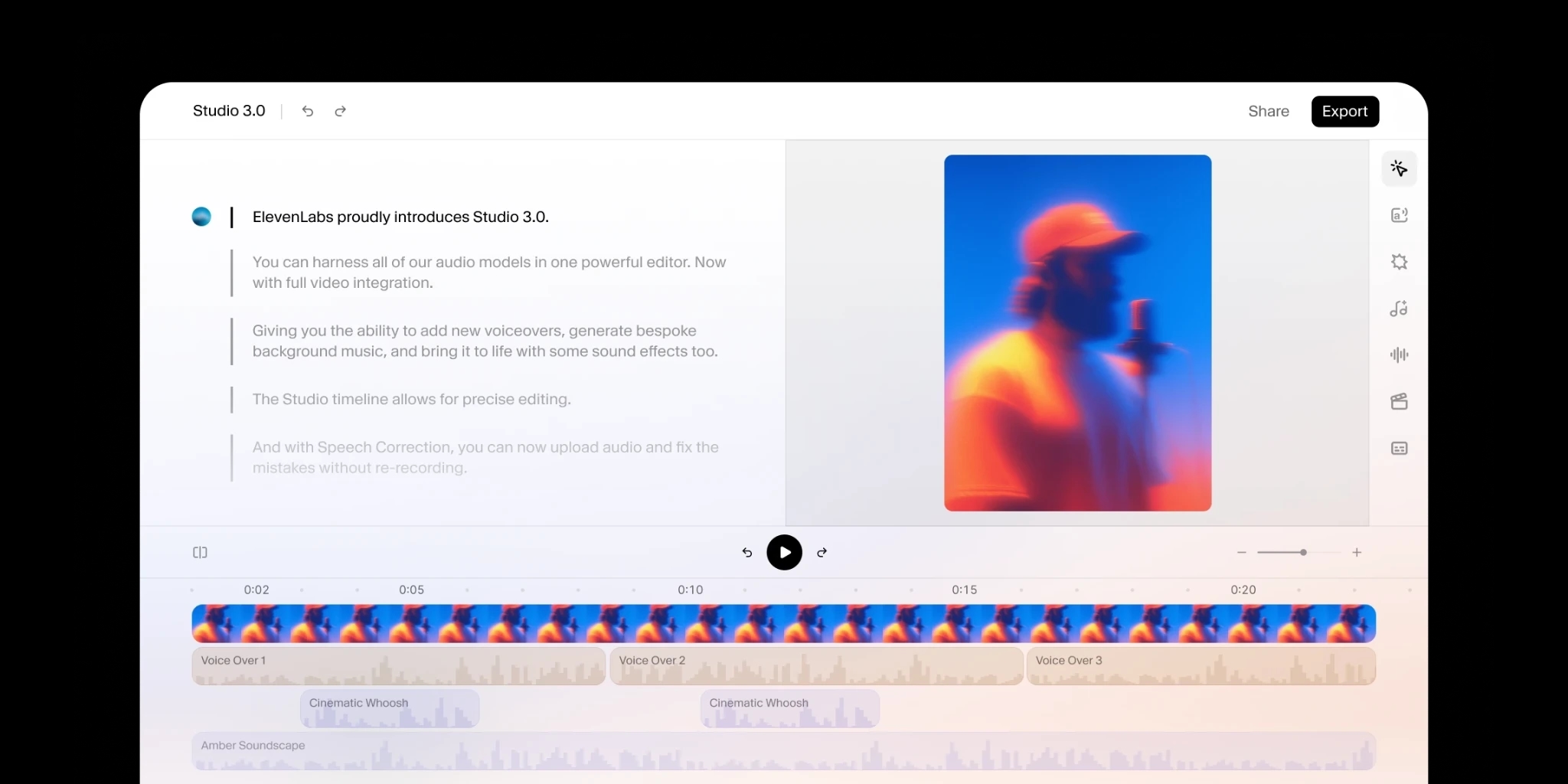
Turn audio to text using our ElevenCreative web platform.
Upload MP3, WAV, M4A, AAC, FLAC, or OGG audio, plus MP4, MOV, AVI, or MKV if you record a video podcast. Files upload directly with no conversion step, and episodes longer than 8 minutes process in parallel, so a 90-minute panel comes back in moments rather than in real time.
The ElevenLabs Scribe model has high accuracy across 90+ languages, so transcripts stay faithful even through noisy clips, music breaks, and multilingual podcasts. Every episode comes back with speaker labels, word-level timestamps, and audio event tags, and the built-in editor lets you correct guest names or niche terminology before you publish. The quotes you pull for show notes and social match what your guest actually said.
First open the transcript in the editor and click any line to fix misheard words, correct a guest's name, or reassign a sentence to the right speaker. Next, trim filler, tighten sponsor reads, and mark pull quotes for show notes before you export, while word-level timestamps keep every edit in sync with the audio.
Export TXT, DOCX, PDF, JSON, SRT, VTT, or HTML from a single transcript. Podcasters typically publish the HTML or TXT version on the episode page for SEO, draft show notes from the DOCX, and attach the SRT or VTT file as captions for YouTube versions and social clips.
Scribe transcribes 90+ languages and detects the spoken language automatically, so a show recorded in Hindi, Portuguese, or Japanese uploads with no settings changes. Multilingual episodes work too: when a guest switches languages mid-conversation, the transcript follows along, so international interviews stay accurate and fully speaker-labeled.
