Transcribe Zoom Meeting to TXT
Upload a recorded sales call, webinar, or board meeting and we deliver speaker-labeled text ready for minutes, action items, and your CRM.

Meetings.pdf
4.7 stars
50k+ ratings
1m+ users
Trust ElevenLabs
90+
Languages
Upload a Zoom recording and our AI handles the rest. Get accurate, speaker-labeled text you can edit, download, or share instantly.
Drag in the MP4 or M4A that Zoom saves to your device or cloud folder. Recordings over 8 minutes process in parallel, so a 90-minute call transcribes fast.
Scribe labels each voice, so you see the moment your prospect agreed, your candidate answered, or your client pushed back. Click any word to correct it or reassign a speaker.
Copy decisions and quotes into your minutes, paste next steps into your CRM, or export the full transcript in the format your team already uses.
ElevenLabs Zoom Transcript Generator identifies every speaker, timestamps each turn, and captures what’s happening in the recording. We deliver a structured, searchable meeting transcript every time.
Accurate models that hold that high standard even when two people talk over each other on a laggy connection.
Fix a mistranscribed product name, reassign a mislabeled speaker, or trim the small talk from the top of the call before the minutes go out.


A sales call that switches between English and French, or a board meeting held in German, transcribes accurately with no language setting to flip.
Upload the MP4 or M4A straight from your Zoom folder, plus MP3, WAV, MOV, FLAC, and other major formats. No conversion step before or after.
Scribe tags coughing, laughter, and other non-speech sounds, so you know exactly how the room reacted when the proposal landed.
ElevenLabs labels up to 32 participants with word-level timestamps, so every decision and quote is attributed to the right person, even on a packed webinar.

Transcribe Zoom Meeting to TXT
Transcribe Zoom Meeting to DOCX
Transcribe Zoom Meeting to PDF
Transcribe Zoom Meeting to JSON
Transcribe Zoom Meeting to HTML
Transcribe Zoom Meeting to SRT
Transcribe Zoom Meeting to AVID
Transcribe Zoom Meeting to VTT
“I use ElevenLabs primarily for transcribing audio messages, and I find its accuracy to be a major highlight. This precision allows me to analyze students' reading fluency effectively, even when the speaker is a young student still learning to read, which is crucial for understanding each student's progress.”

Pedro A.
Head of technology
“Perfect for transcribing interviews - and the voice quality is amazing when preparing for a speech.”

Izabela M.
Customer Experience Researcher
“Remarkable inference speed of the Scribe v2 model by ElevenLabs, delivering near real-time latency on transcription requests, significantly faster than other models we've tried.”

Vedaswaroop I.
Founder
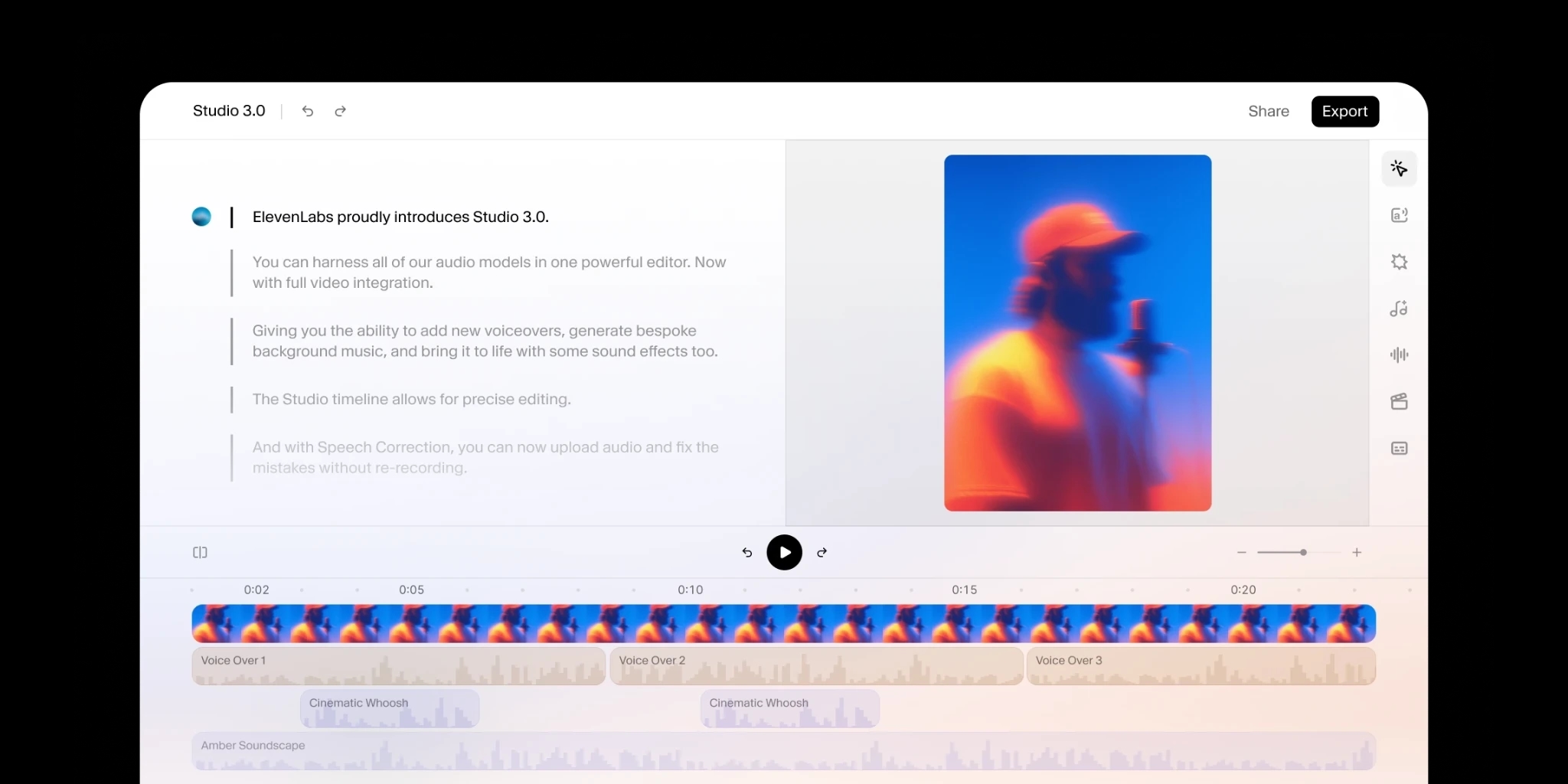
Add human review to editing so your message always lands.
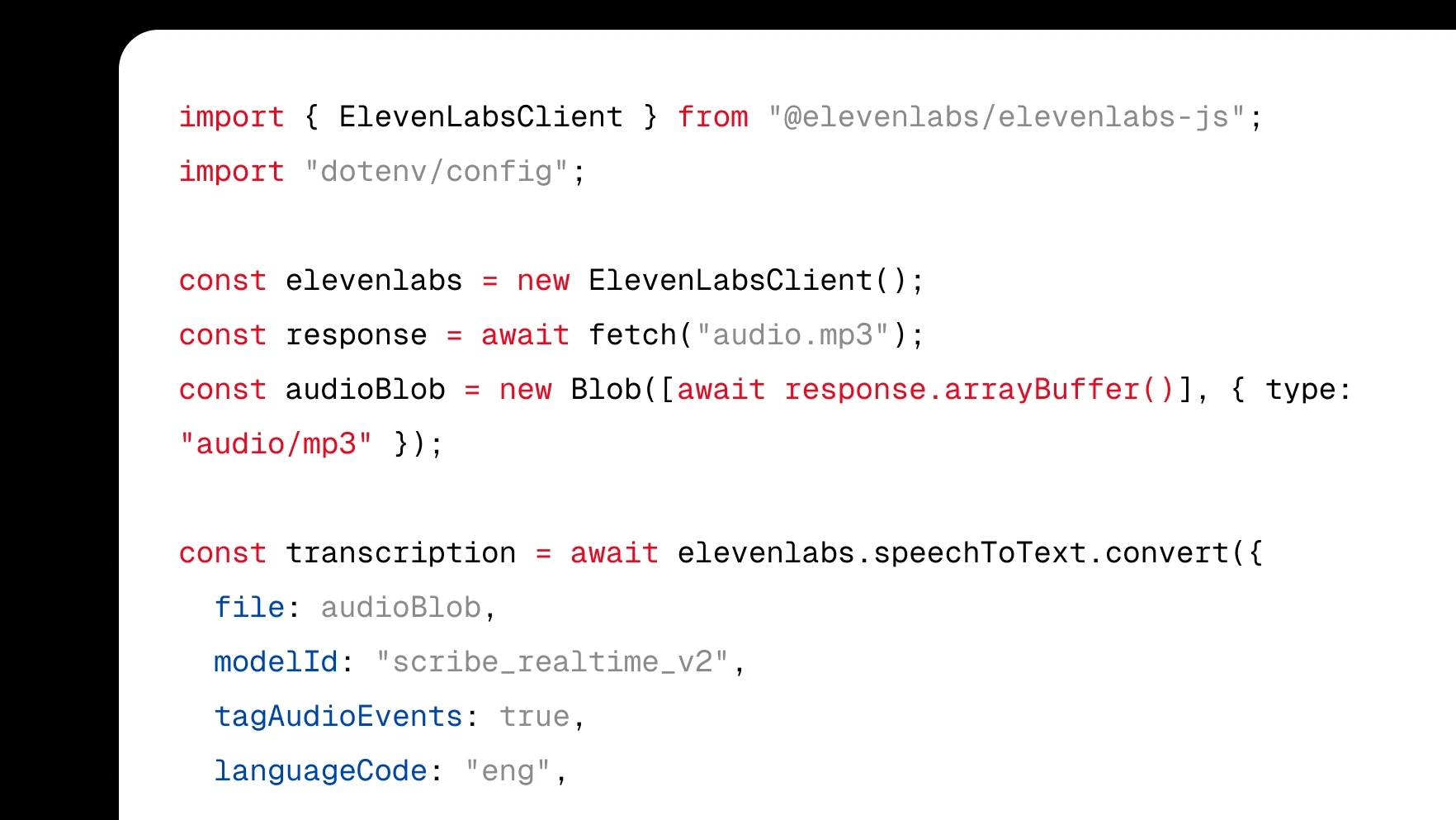
Integrate transcription directly into your product with a few lines of code.
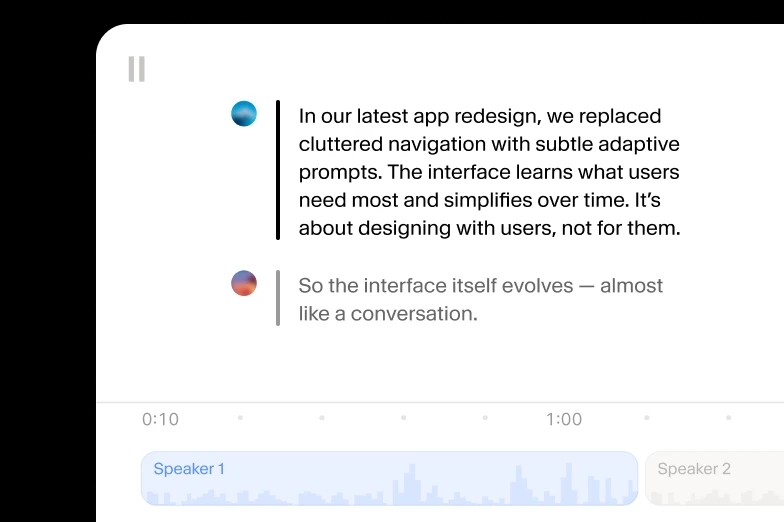
Turn audio to text using our ElevenCreative web platform.
Zoom saves local recordings as MP4 video and M4A audio in your Documents/Zoom folder, and both upload directly with no conversion step. Cloud recordings download from the Zoom web portal in the same formats. We also accept MP3, WAV, MOV, and every other major audio and video format.
ElevenLabs models lead accuracy benchmarks, all while maintaining a low WER through crosstalk, echo, and varied accents on real Zoom calls. Recordings over 8 minutes process in parallel, so a 2-hour webinar transcribes quickly without losing precision. Word-level timestamps anchor every line to the exact moment in the recording, which matters when you quote someone later
Click any word in the finished transcript to correct it, trim the small talk from the top of the call, or reassign a line to the right participant when voices overlapped. Every change happens in the editor before you circulate the minutes, so the version your stakeholders read is the version you approved.
Export your Zoom transcript as TXT, DOCX, PDF, JSON, SRT, VTT, or HTML. Choose DOCX or PDF when minutes circulate to stakeholders, SRT or VTT to caption the recording before you share it, and JSON when your team pipes call notes into a CRM or other tools automatically.
Scribe transcribes 90+ languages with no language setting to flip, so a call held in Hindi or Cantonese comes back as accurate text automatically. It also follows meetings that switch languages mid-call, which keeps multinational standups and client calls readable in one transcript.
