Transcribe M4A to TXT
That voice memo on your iPhone is already an M4A. Upload it exactly as recorded and Scribe returns clean, editable text.

Interviews.pdf
4.7 stars
50k+ ratings
1m+ users
Trust ElevenLabs
90+
Languages
No format conversion and no exporting through another app. Send the M4A exactly as your iPhone or Mac saved it, and Scribe does the rest.
Share it from Voice Memos, AirDrop it to your Mac, or drag it in from Finder or iCloud Drive. Skipping the MP3 conversion step is the whole point.
Select any word to correct it, split run-on passages, and delete the false starts that creep into off-the-cuff recordings.
Copy it into Notes or Pages, or download TXT, DOCX, and PDF for drafts, and SRT or VTT if the recording ends up under video.
ElevenLabs M4a to text handles the messy reality of handheld audio: background noise, half-formed sentences, and ideas spoken faster than anyone types.
Scribe leads on major accuracy benchmarks, and it holds up on phone-mic recordings made in kitchens, cars, and rehearsal rooms.
Rewrite any word in place, merge fragments into full sentences, and trim the ums that a spoken first draft always carries.


Scribe detects the language automatically and transcribes 90+ languages, so a memo that switches midstream still comes back right.
Supports files from Apple devices upload directly with nothing to convert, as do AAC, MP3, WAV, FLAC, OGG, MP4, and MOV. Transcripts export to TXT, DOCX, PDF, JSON, SRT, VTT, or HTML.
Scribe tags non-speech sounds, so the transcript shows why your dictation paused when the doorbell rang.
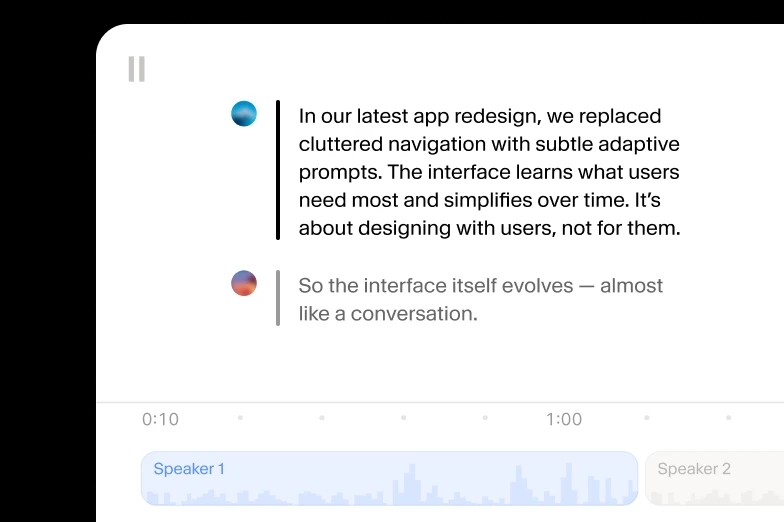
If a second voice wanders into your recording, Scribe labels it, distinguishing up to 32 speakers and stamping each word to the moment it was spoken.

Transcribe M4A to TXT
Transcribe M4A to DOCX
Transcribe M4A to PDF
Transcribe M4A to JSON
Transcribe M4A to HTML
Transcribe M4A to SRT
Transcribe M4A to AVID
Transcribe M4A to VTT
“I use ElevenLabs primarily for transcribing audio messages, and I find its accuracy to be a major highlight. This precision allows me to analyze students' reading fluency effectively, even when the speaker is a young student still learning to read, which is crucial for understanding each student's progress.”

Pedro A.
Head of technology
“Perfect for transcribing interviews - and the voice quality is amazing when preparing for a speech.”

Izabela M.
Customer Experience Researcher
“Remarkable inference speed of the Scribe v2 model by ElevenLabs, delivering near real-time latency on transcription requests, significantly faster than other models we've tried.”

Vedaswaroop I.
Founder
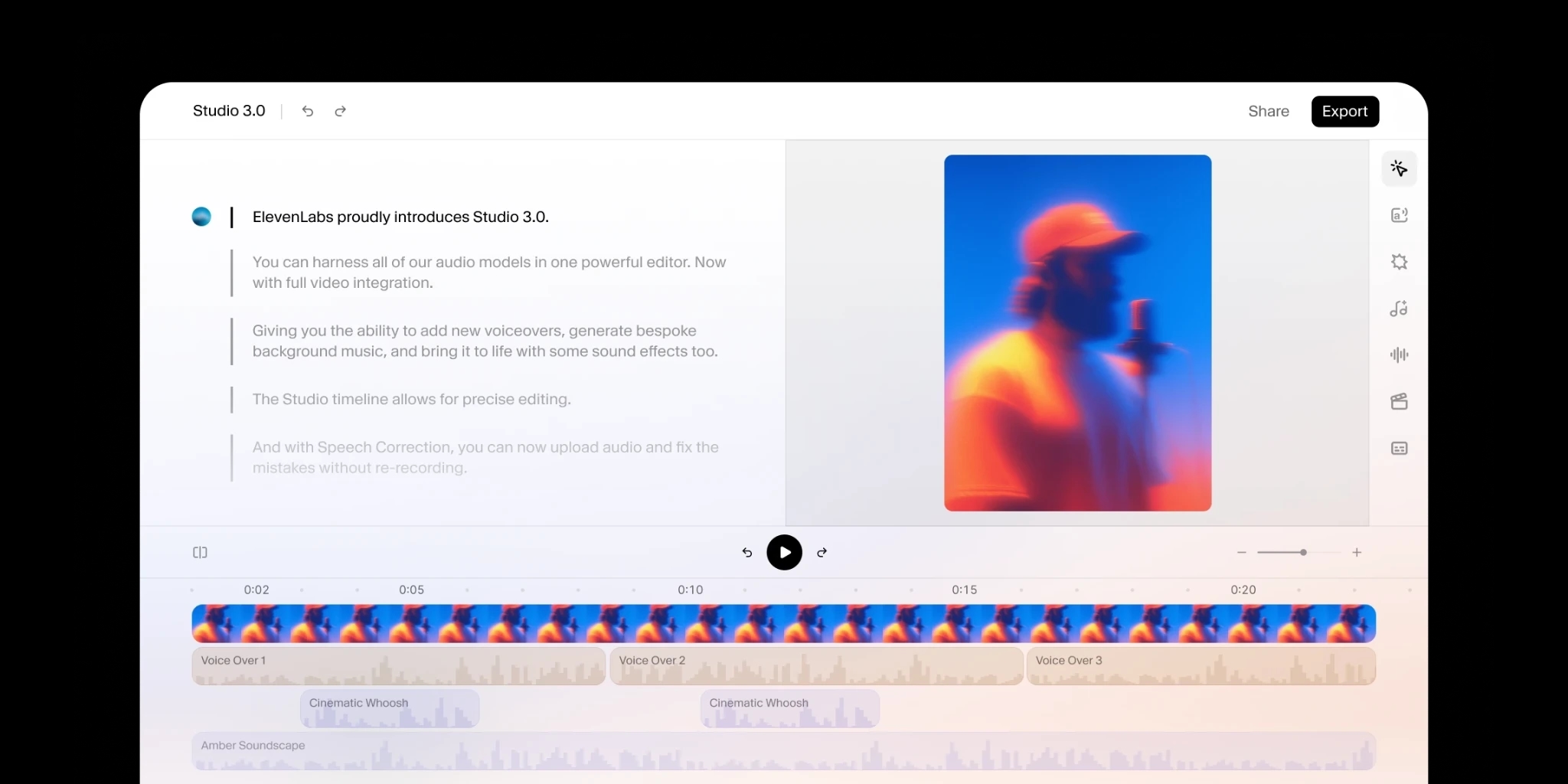
Add human review to editing so your message always lands.
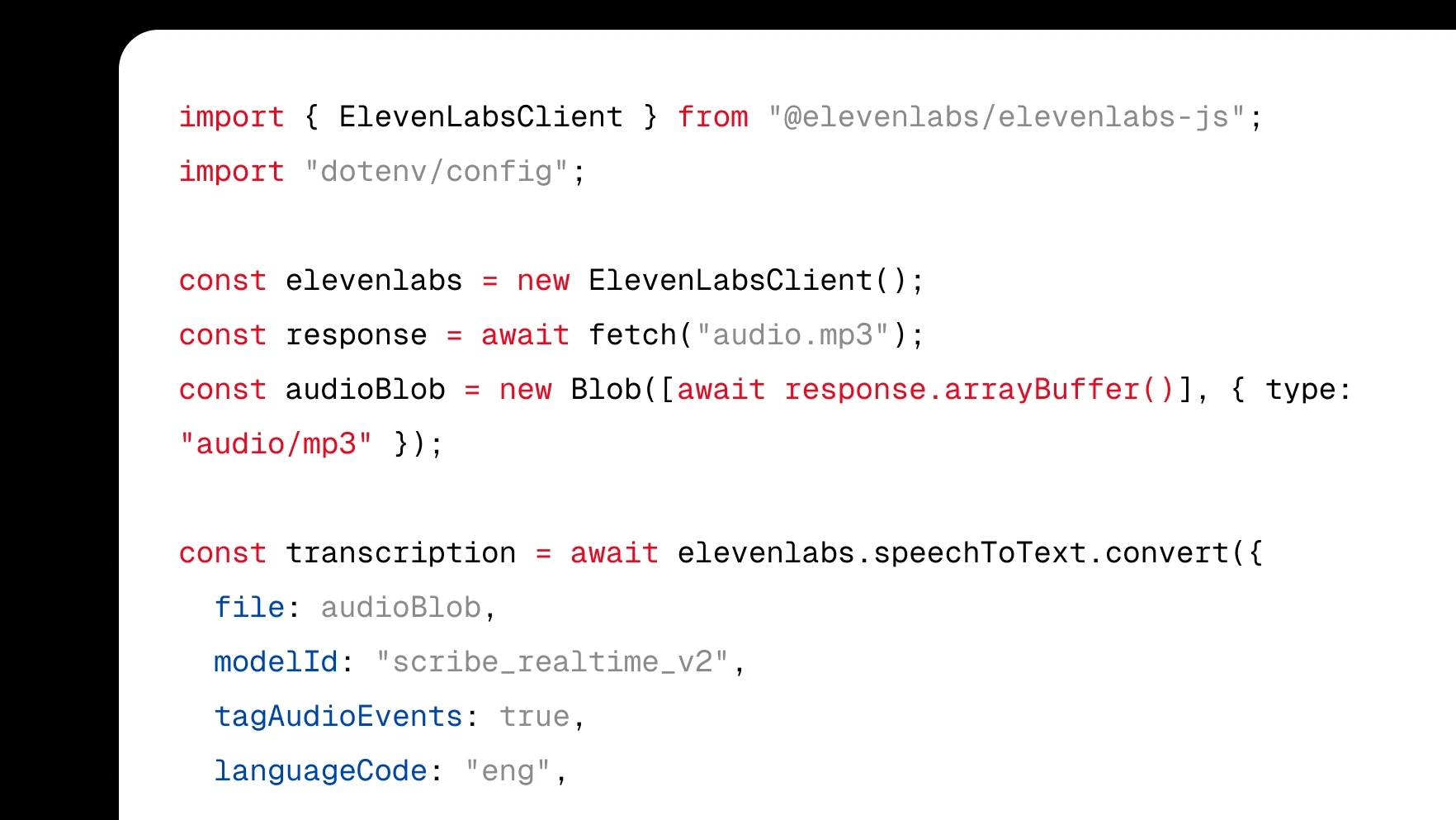
Integrate transcription directly into your product with a few lines of code.
Turn audio to text using our ElevenCreative web platform.
We accept M4A files exactly as your iPhone or Mac saves them, plus AAC, MP3, WAV, FLAC, and OGG, and video formats like MP4 and MOV. There is no need to convert a Voice Memos recording to MP3 first. Upload it from your device or cloud storage and Scribe transcribes it directly.
Scribe delivers state-of-the-art transcription accuracy and was built to handle real-world audio, so M4A files recorded on an iPhone mic in kitchens, cars, or busy offices still come back as reliable text. Speaker labels separate voices, audio event tags mark interruptions, and the built-in editor lets you fix the rare miss in one click.
Every transcript opens in an editor where you change misheard words, reassign speakers, and split or merge segments with precise timing. Voice memos rarely come out polished on the first pass, so tidy the text before you export it. Fixes only take a click, and the audio stays synced while you work.
Download your M4A transcript as TXT, DOCX, PDF, JSON, SRT, VTT, or HTML. Plain text suits quick drafts, DOCX and PDF are ready to share, SRT and VTT carry subtitles with timing, and JSON keeps word-level timestamps for anything you build with ElevenAPI. Every format is generated from the same transcript, so export as many as you need.
Scribe detects the language automatically and transcribes 90+ of them, so there is no manual selection before you upload. A memo dictated in Spanish, Hindi, or Japanese comes back in that language, and a recording that switches languages midstream is still transcribed correctly.
