Sound effects

How to create high-quality sound effects from text with ElevenLabs.

Overview

Sound effects enhance the realism and immersion of your audio projects. With ElevenLabs, you can generate sound effects from text and integrate them into your voiceovers and projects.

Guide

2

Describe the sound effect

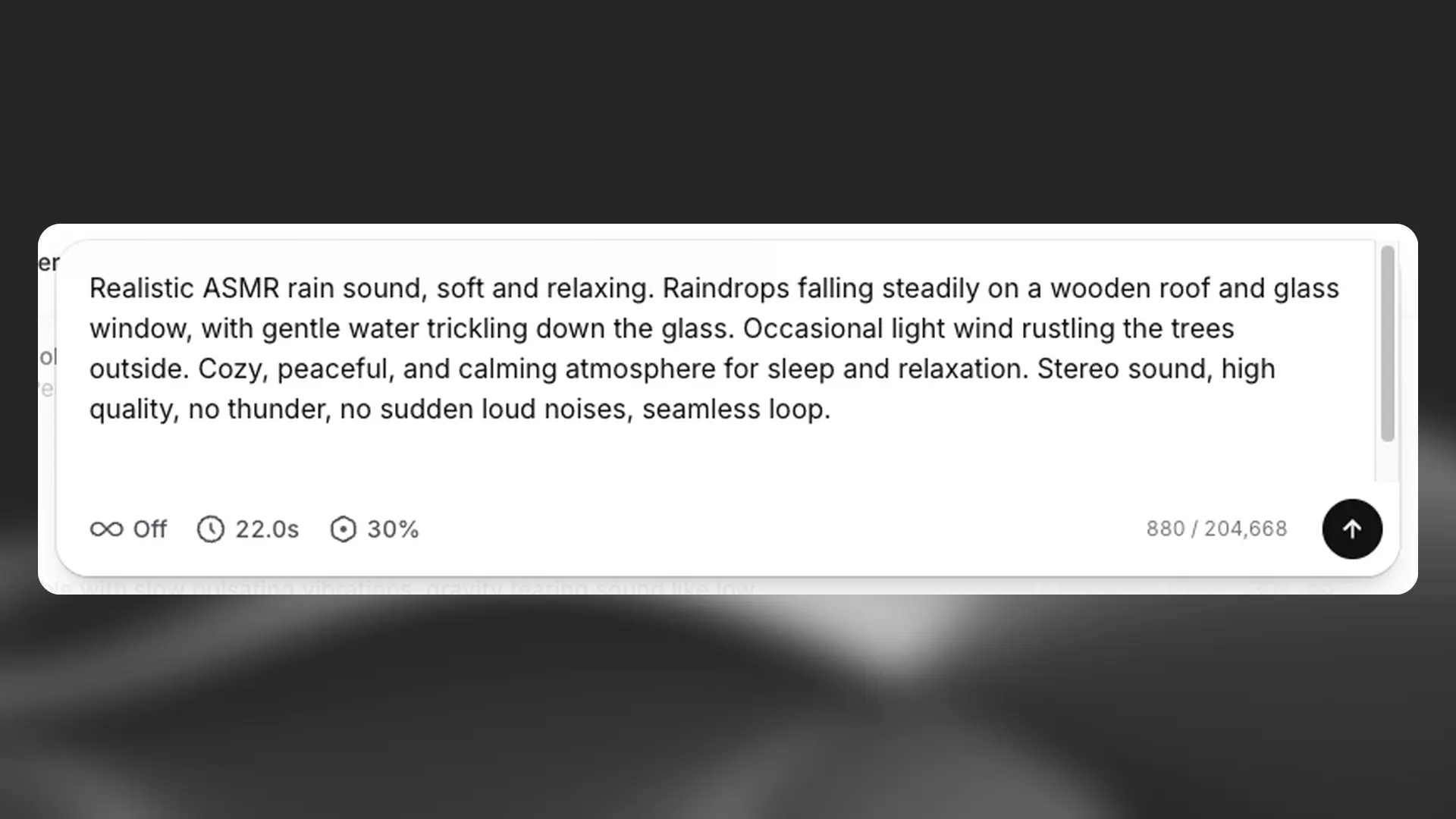
In the text box, type a description of the sound effect you want (e.g., “person walking on grass”).

3

Adjust settings

Sound effects
settings

  • Set the duration for the sound, or choose auto to let the AI decide. The maximum length is 30 seconds.

  • Turn Looping on to create a seamless loop. The ending will blend into the beginning without a noticeable gap.

  • Adjust the prompt influence setting to control how closely the output should match the prompt. By default, this is set to 30%.

4

Generate sound

Click the arrow to generate. Four sound effects will be created each time.

5

Review and regenerate

Go to your History tab to access the generated sound effects. Click the download icon and choose MP3 (44.1kHz) or WAV (48kHz). You can also click the star icon to save to your favorites, so you can access it again from your Favorites tab. If needed, adjust the prompt or settings and regenerate.

Exercise: Create a sound effect using the following prompt: Old-school funky brass stabs from a vinyl sample, stem, 88 bpm in F# minor.

Explore the library
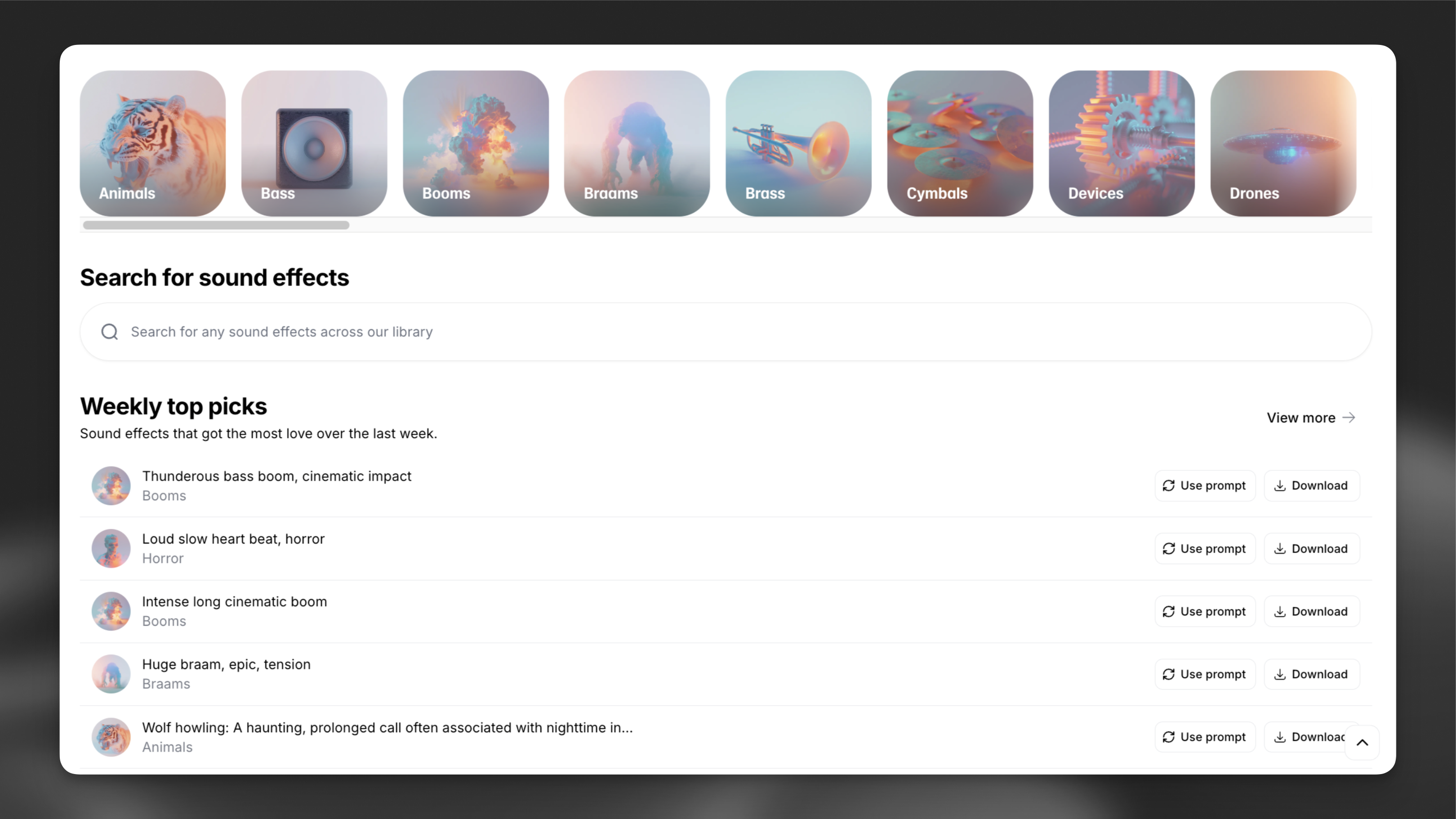
Sound effects explore

Browse community-made sound effects in the Explore tab.

For more on prompting and how sound effects work, visit our overview page.

FAQ

Our sound effects generator allows you to generate any sound imaginable by inputting a prompt.  Create anything from blockbuster sound design for films, to everyday sounds for your video game.

To get started, visit Sound Effects or select ‘Sound Effects’ in the sidebar on the left while logged into your account. 

Enter your prompt in the text box.  There is a maximum length of 450 characters for your prompt.  

You can use the settings to control the duration of the sound effect, and how strictly the AI follows your prompt.  If you don’t specify the length of the clip, the AI will decide the audio length.

Each time you select Generate, the AI will generate full variations of the prompt you’ve given.

You can create looping sound effects if you need longer durations. Looping sound effects can be played on repeat without a perceptible start or end point.

For more details, please see our full overview of Sound Effects.

The cost for generating sound effects varies based on the settings you choose, and whether you are using the website or API platform. The settings affect how many sound effects are produced and the duration of each sound effect.

For Website Users:
  • Each generation produces 4 sound effects.
  • By default, the AI decides the duration of the sound effect, costing 200 credits per generation.
  • If you set the duration yourself, the cost is 40 credits per second of sound effect duration, with a maximum duration of 30 seconds.
For API Users:
  • Each generation produces 1 sound effect.
  • By default, the AI decides the duration of the sound effect, costing 100 credits per generation.
  • If you set the duration yourself, the cost is 11 credits per second of sound effect duration, with a maximum duration of 30 seconds.

The cost is not influenced by the text input you use.

The prompt is the piece of text or instruction that tells the AI what kind of output is expected.  The AI understands natural language as well as audio terminology.

Simple Prompts

These are simple prompts that try to get the AI to generate a single sound effect.  Some examples would be “person walking on grass” or “glass breaking”.  These types of prompts will generate a single type of sound effect with a few variations.

You can improve these prompts by adding a little more detail, for example, “high-quality, professionally recorded footsteps on grass, sound effects foley.” It can require some experimentation to find a good balance between being descriptive and keeping it brief enough to have AI understand the prompt.

Complex Prompts

Complex prompts include multiple sound effects, or a sequence of sound effects happening in a specific order, for example, “A man walks through a hallway and then falls down some stairs”.  While the AI does understand these prompts, for the best results, we would recommend generating individual sound effects and then combining them in an audio editor of your choice.

For more details on how to prompt for sound effects, along with examples and audio terminology that might be useful for writing prompts, please see our full overview of Sound Effects.

No results